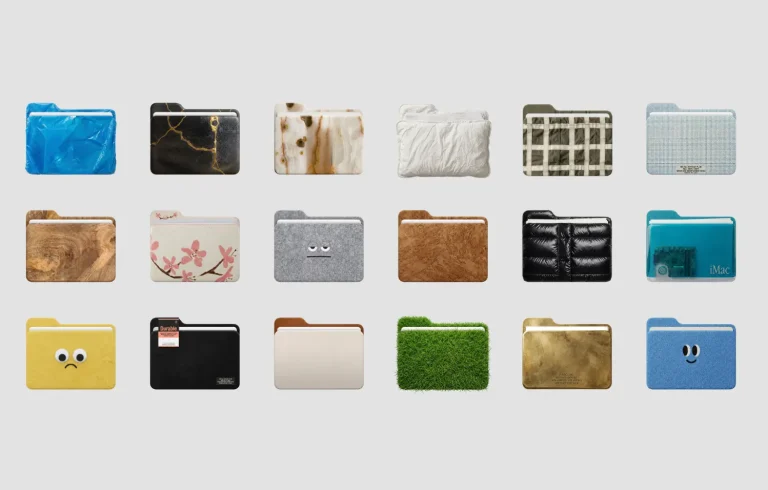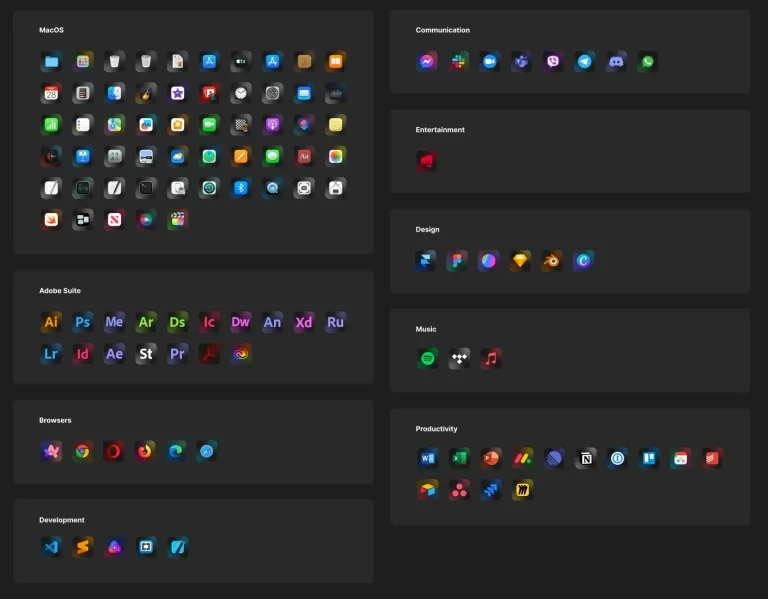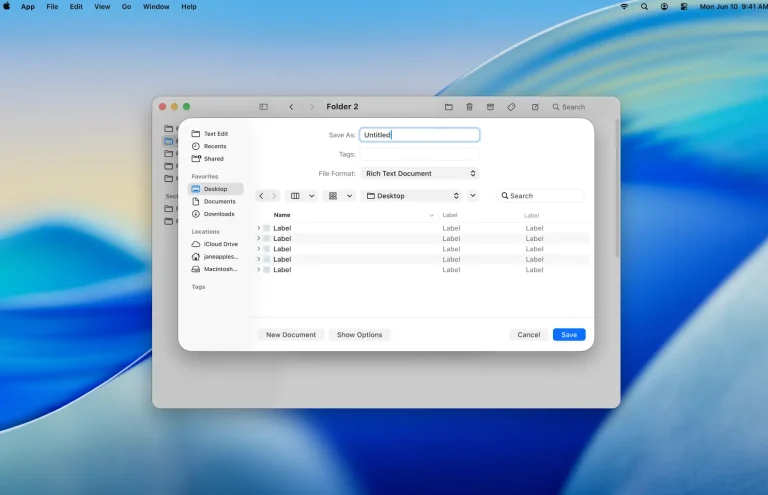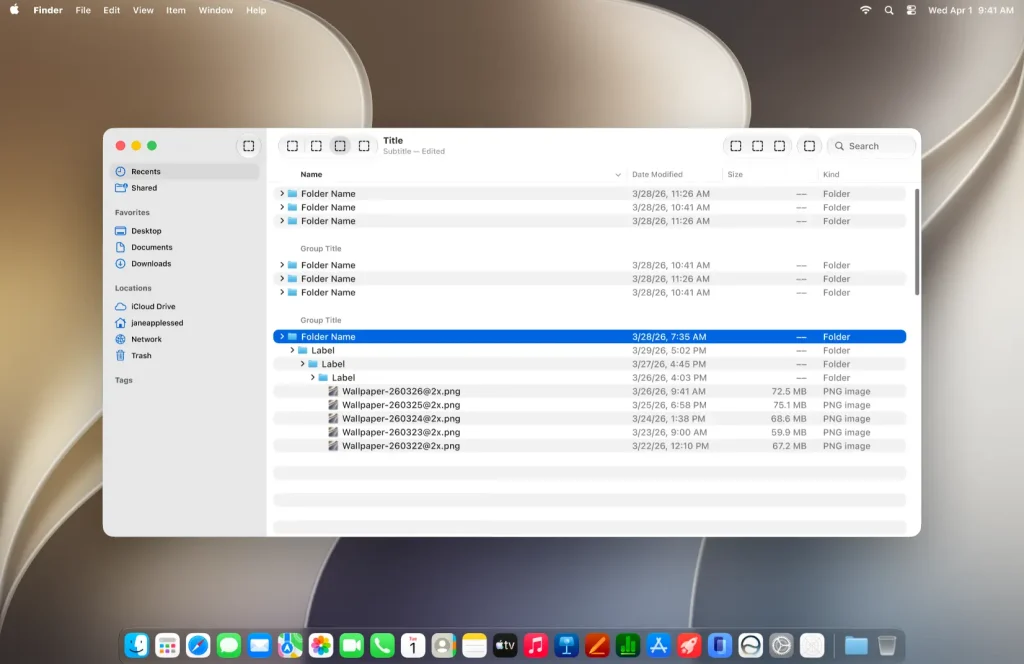
The macOS 27 UI Kit is Apple’s official design resource for Figma.
It contains a comprehensive set of UI components, text styles, color styles, and materials for building realistic macOS app interfaces.
You can use it to prototype native applications, design dark mode layouts, and create accurate mockups for client work or product concepts.
Key Features
- Comprehensive set of macOS UI components, including sidebar, toolbar, tables, buttons, menus, and pointers.
- Full dark mode and window state support for every component.
- Views and system components such as windows, alerts, popovers, sheets, and dialogs.
- Desktop templates with menubar, dock, notifications, and wallpaper layouts.
- System colors, materials, text styles, and vibrancy effects included.
- Editable Figma source file.
Use Cases
- Designing macOS app interfaces and user flows.
- Prototyping native application states, including active, inactive, and dark mode variants.
- Creating app store preview graphics and marketing visuals for Mac software.
- Building a design system reference for macOS development teams.
- Exploring layout variations with built-in desktop templates and system views.
The Apple's Official macOS 27 Figma UI Kit was generously created and offered for free by Apple - download it now to enhance your next project with a professional-grade asset at no cost.
Unless otherwise specified, you can download and use it free for personal project.
If you encounter a broken or invalid download link on our site, please let us know through our Report Broken Link form.
If you mention it somewhere else, please always link to this page instead of download link.
DISCLAIMER::This free resource is aggregated from the web - we do not claim ownership or hold rights to the design assets. If you find our shared resources infringe upon your copyrights, please let us know via feedback so we can promptly remove them.