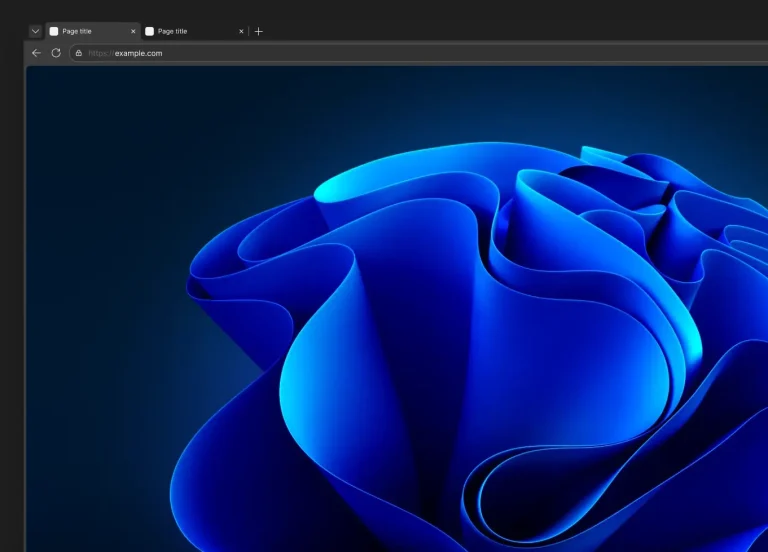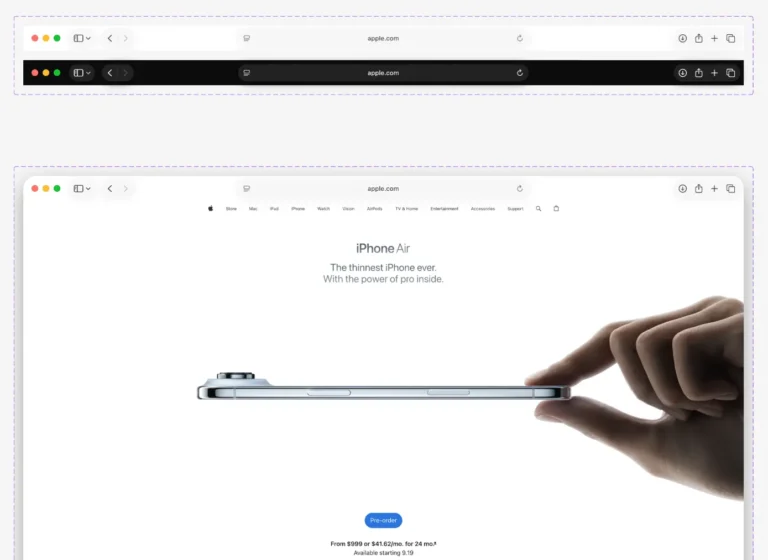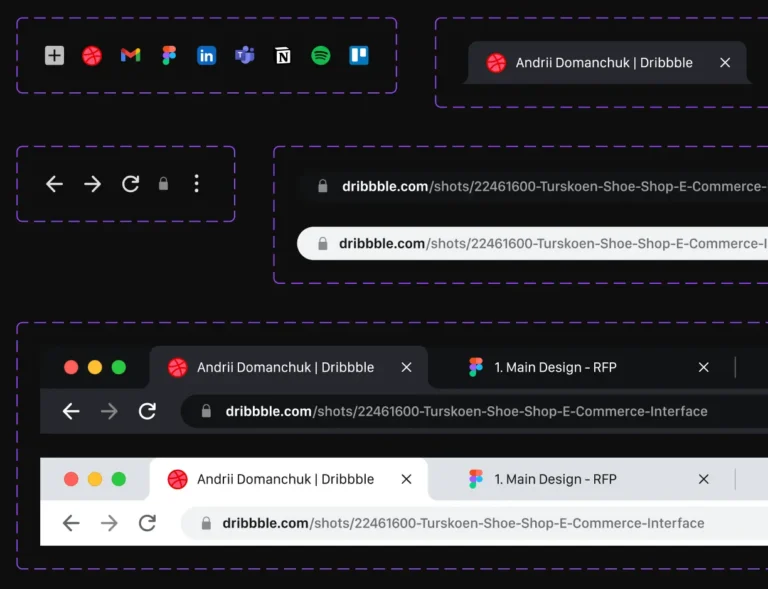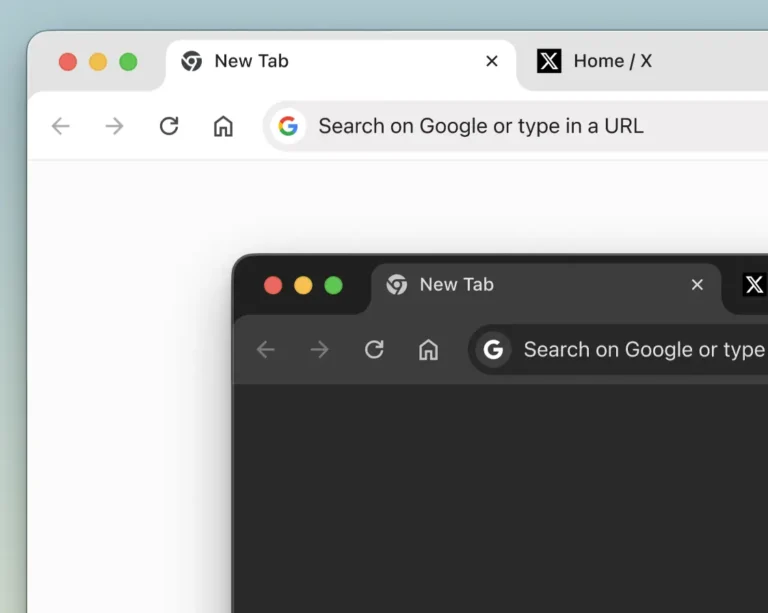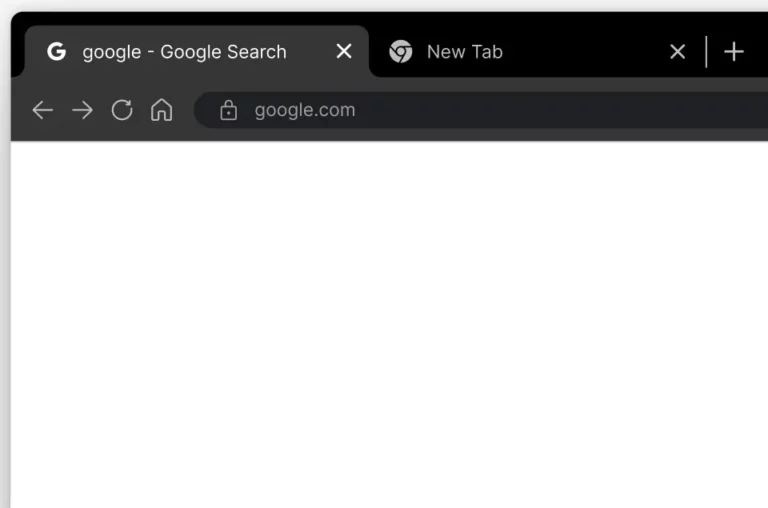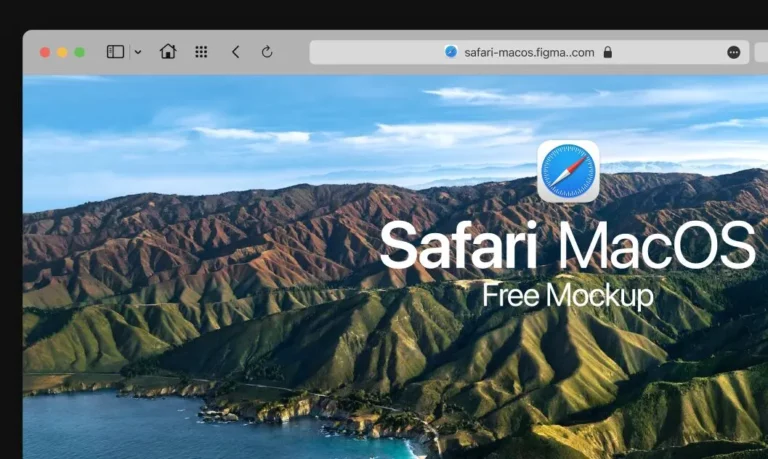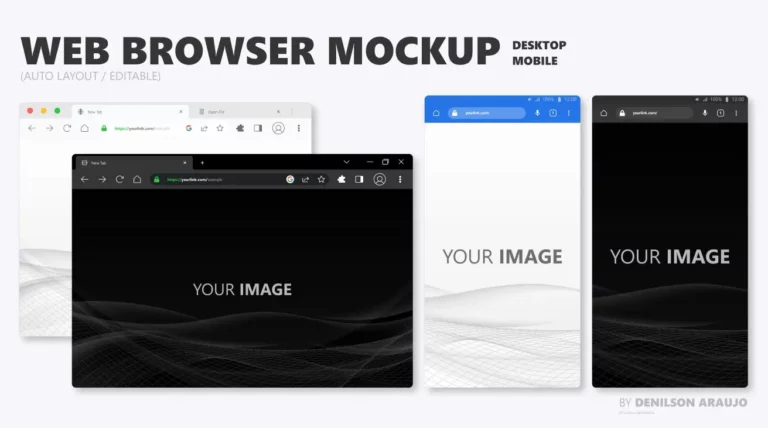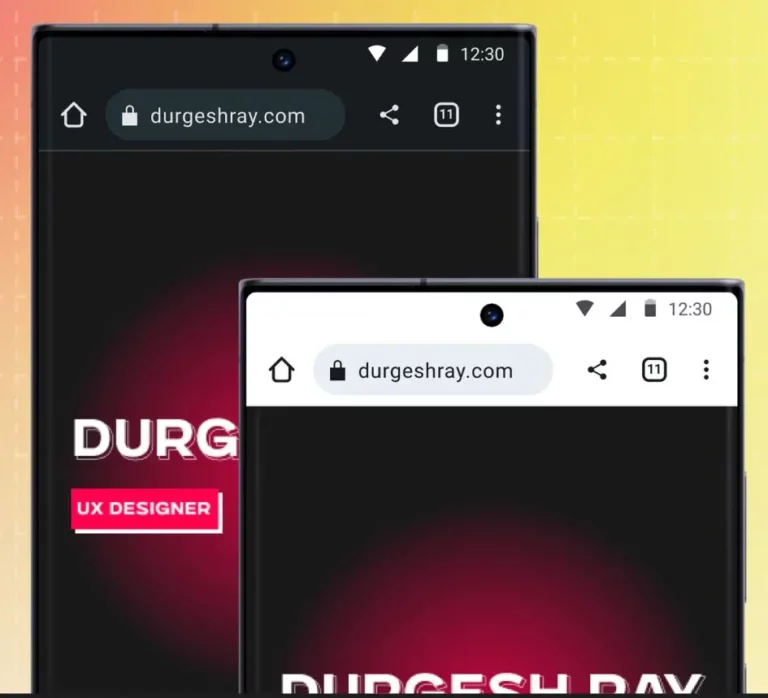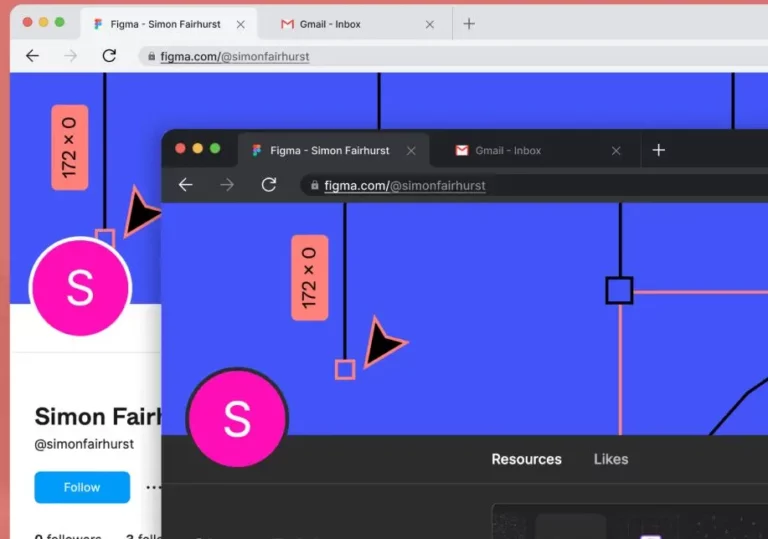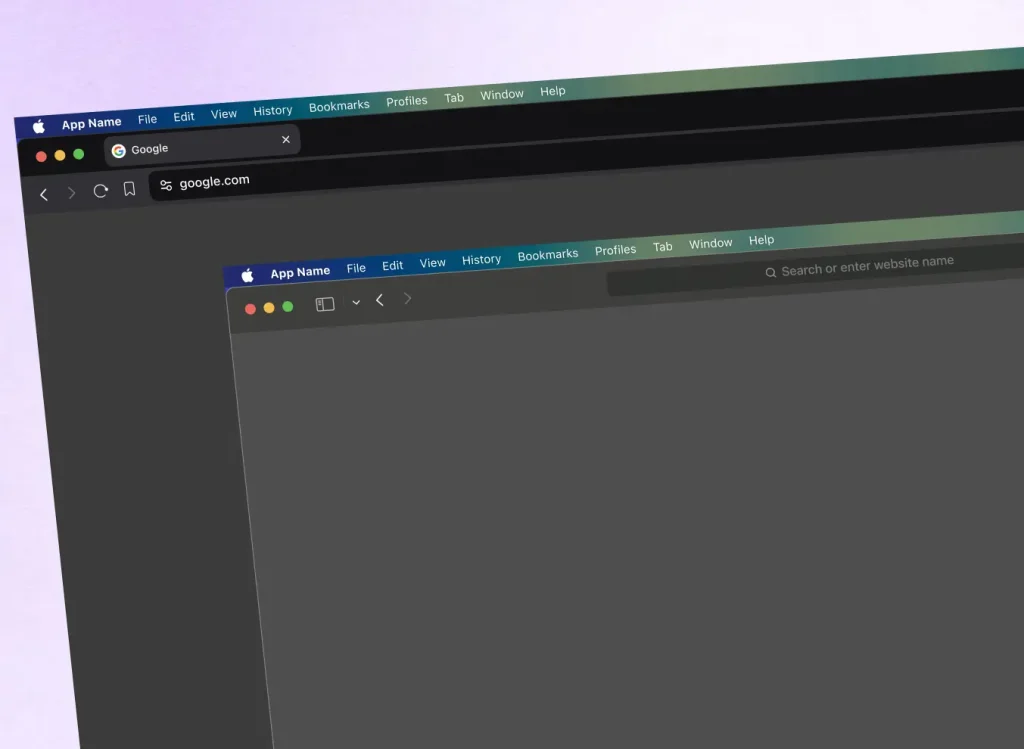
This free macOS Browser UI Kit for Figma contains resizable dark-theme browser frames for Safari, Brave, and Chrome.
Use the frames to place mobile website concepts in familiar macOS browser windows and show each page inside a specific browser context.
Key Features
- Resizable browser frames that adapt to different mobile web layout widths.
- Dark theme interface with a sleek, low-light appearance.
- Covers three browsers: Safari, Brave, and Chrome.
- Designed for mocking up mobile web designs in a macOS context.
- Editable vector assets in the Figma file.
Use Cases
- Mobile web design mockups with accurate browser chrome.
- Client presentations that show responsive mobile layouts.
- Portfolio case studies highlighting mobile web projects.
- UI testing and design review inside a realistic browser frame.
- App webview mockups that need a browser shell on a Mac display.
The Dark macOS Browser UI Kit (Safari,Brave & Chrome) was generously created and offered for free by Jeevan Crasta - download it now to enhance your next project with a professional-grade asset at no cost.
Unless otherwise specified, you can download and use it free for personal project.
If you encounter a broken or invalid download link on our site, please let us know through our Report Broken Link form.
If you mention it somewhere else, please always link to this page instead of download link.
DISCLAIMER::This free resource is aggregated from the web - we do not claim ownership or hold rights to the design assets. If you find our shared resources infringe upon your copyrights, please let us know via feedback so we can promptly remove them.
Key Features
- Resizable browser frames that adapt to different mobile web layout widths.
- Dark theme interface with a sleek, low-light appearance.
- Covers three browsers: Safari, Brave, and Chrome.
- Designed for mocking up mobile web designs in a macOS context.
- Editable vector assets in the Figma file.
Use Cases
- Mobile web design mockups with accurate browser chrome.
- Client presentations that show responsive mobile layouts.
- Portfolio case studies highlighting mobile web projects.
- UI testing and design review inside a realistic browser frame.
- App webview mockups that need a browser shell on a Mac display.