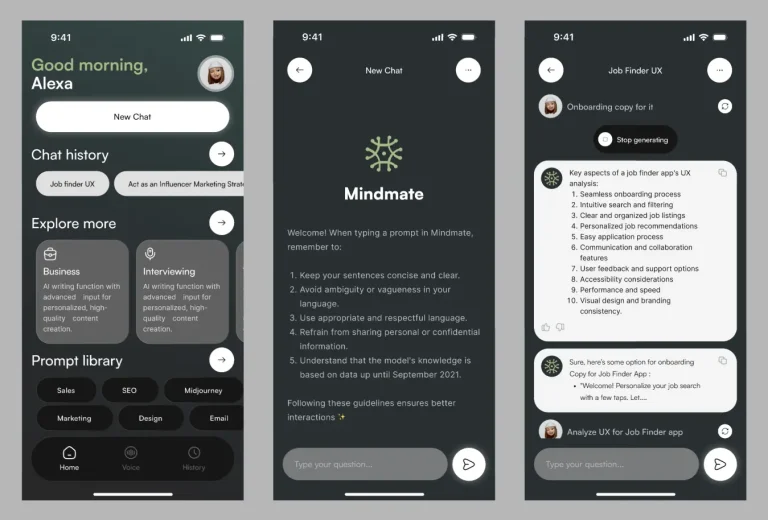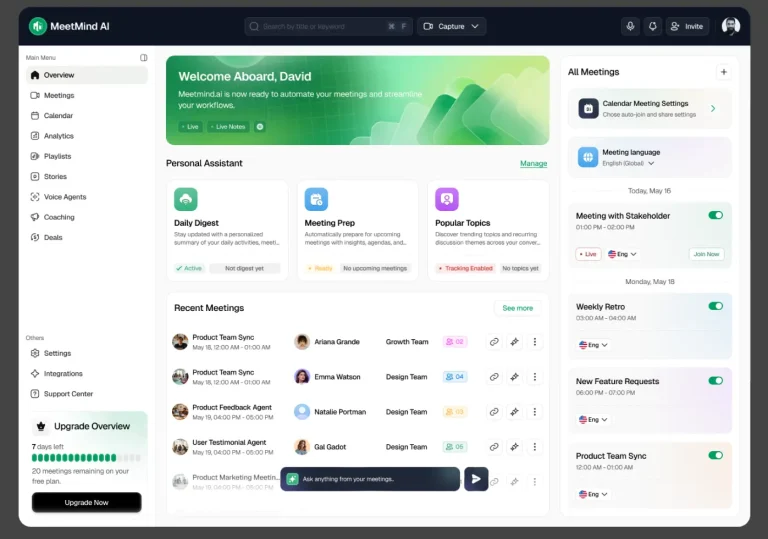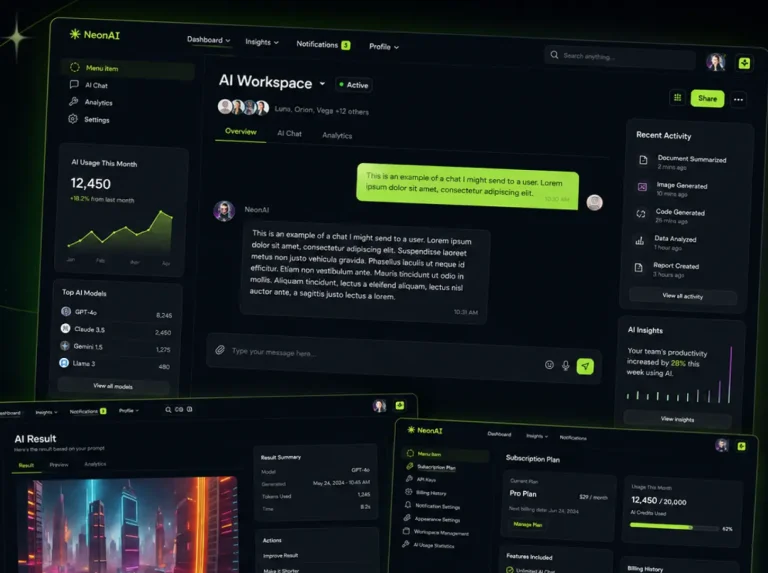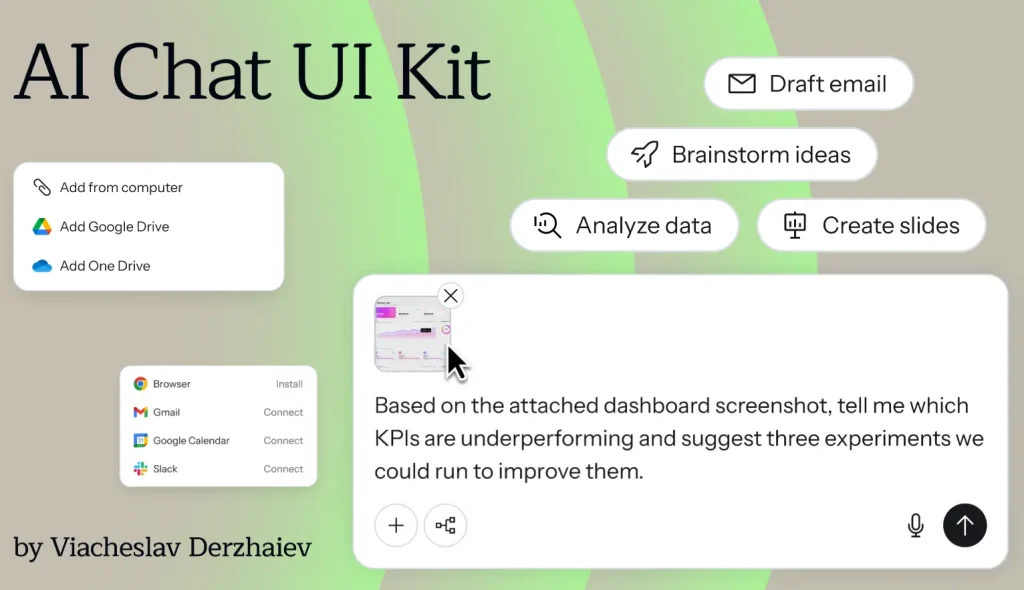
AI Chat UI Kit is a free Figma UI kit for chat interfaces, AI assistants, and LLM-powered welcome screens.
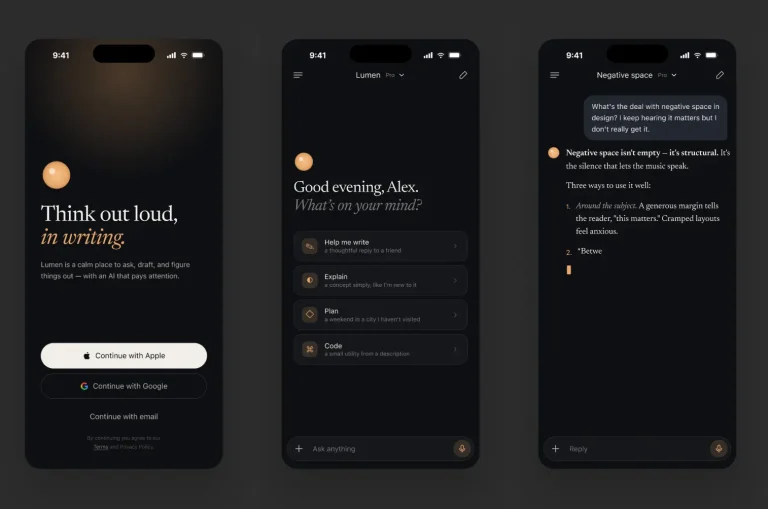
The kit includes chat input variants, quick-action prompt pills, icon buttons, attachment thumbnails, dropdown menu rows, connector options, and ready-made demo layouts for empty, filled, image, working, and open-dropdown states.
You can use it for AI app concepts, onboarding flows, in-app assistants, command palettes, and conversational product prototypes.
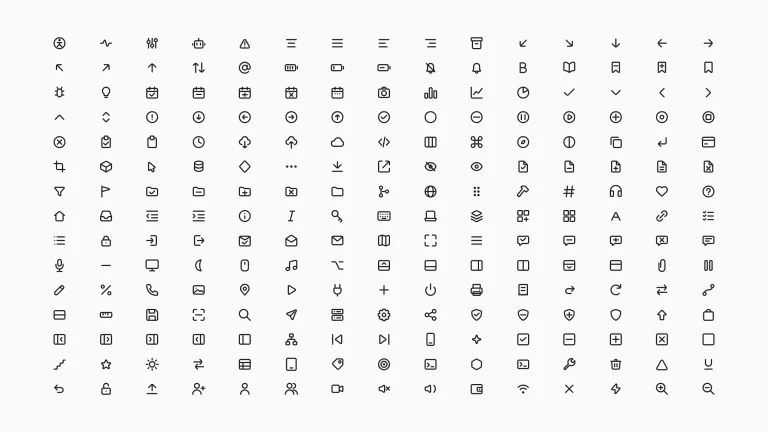
The kit also contains IBM Carbon icons and brand logos for Google Drive, OneDrive, Slack, Gmail, Google Calendar, and Chrome.
Key Features
- Figma variables for colors, spacing, border radius, and border width
- Local text styles and effect styles
- Component properties for text, instance swaps, variants, and boolean controls
- Strict auto-layout structure
- ChatInput component with 6 variants
- IconButton component with 14 variants
- Typography uses Merriweather for headlines and Instrument Sans for UI text
Use Cases
- AI assistant interface concepts
- Chatbot product prototypes
- LLM prompt starter screens
- Conversational onboarding flows
- In-app AI helper layouts
- File attachment and connector menu design
Related Resources
- AI Chatbot & Assistant App UI Kit for Figma
- AI Chatbot Figma UI Kit: SparkGPT
- Chat & Messaging Web UI Kit Figma
- ChatGPT & DeepSeek Mobile UI Kit in Figma
- ChatGPT-4o Web UI Kit Figma
The Chat UI Kit (Figma) for AI Assistants was generously created and offered for free by Viacheslav Derzhaiev - download it now to enhance your next project with a professional-grade asset at no cost.
Unless otherwise specified, you can download and use it free for personal project.
If you encounter a broken or invalid download link on our site, please let us know through our Report Broken Link form.
If you mention it somewhere else, please always link to this page instead of download link.
DISCLAIMER::This free resource is aggregated from the web - we do not claim ownership or hold rights to the design assets. If you find our shared resources infringe upon your copyrights, please let us know via feedback so we can promptly remove them.