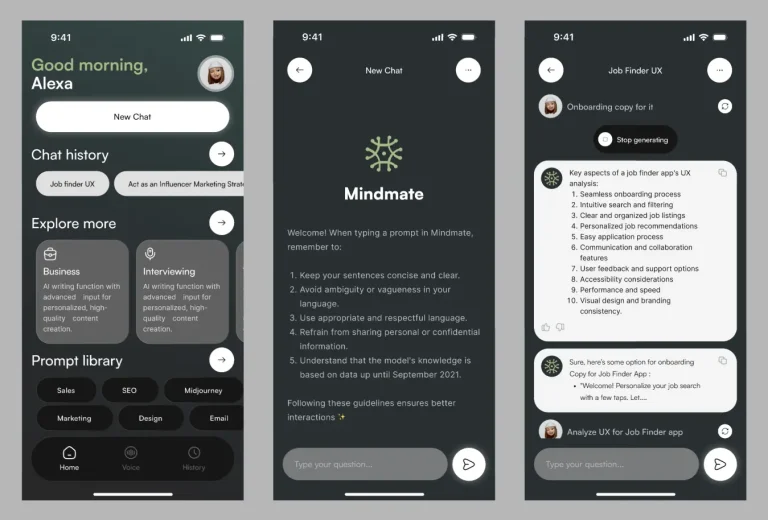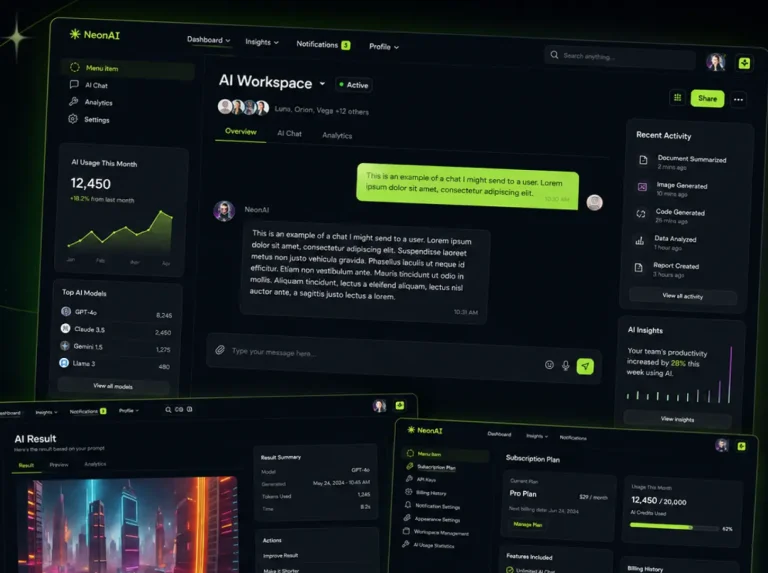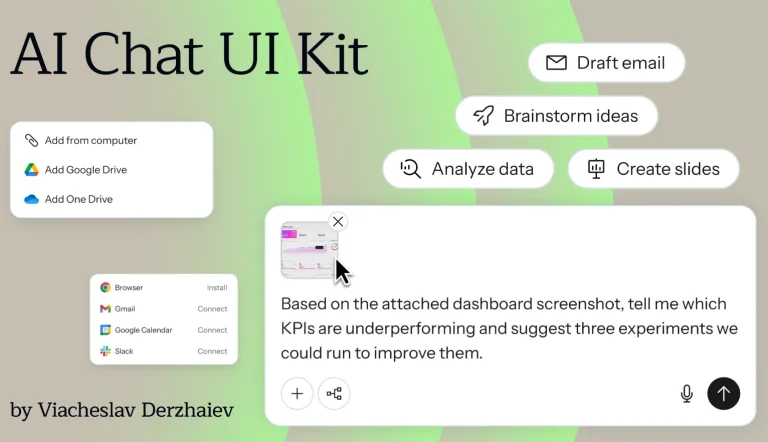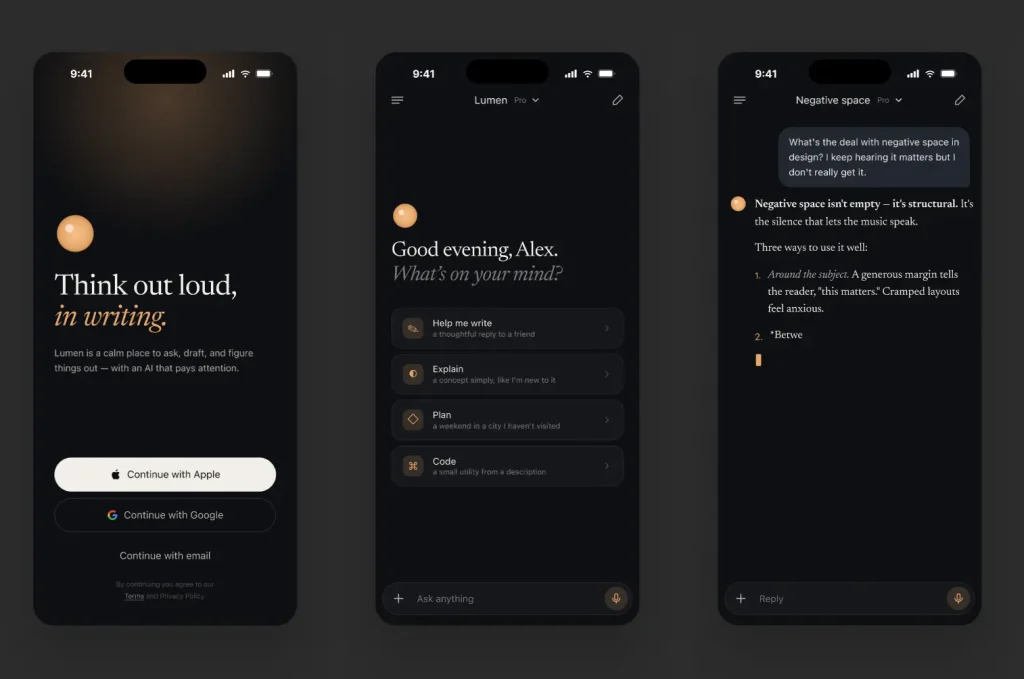
This iOS UI kit provides a dark-mode UI for AI chat and LLM-powered apps.
The download includes 10 screens built with Figma Auto Layout and organized layers.
You can use the kit to prototype AI chat flows, voice interaction screens, onboarding with Apple/Google sign-in, suggestion prompts, and settings.
All components use soft ambient glow effects and responsive variants.
Key Features
- 10 production-ready iOS screens in a consistent dark mode aesthetic.
- 100% Auto Layout and responsive variants for fast layout adaptation.
- Organized layer structure with named groups for easy customization.
- Included screens cover chat, thread history, social authentication, voice input with waveform visualization, plan selection, and settings.
- Soft ambient glow effects applied to cards, input fields, and active states.
- Reusable components for empty states, suggestion prompts, and voice interaction.
Use Cases
- Prototyping an AI chat interface for iOS with dark mode UI.
- Building a ChatGPT or Claude wrapper app design in Figma.
- Designing a mobile AI assistant with voice interaction and audio feedback.
- Presenting onboarding flows with Apple and Google social sign-in.
- Creating settings and subscription plan selection screens for AI tools.
The AI Chat iOS UI Kit (Dark Mode) was generously created and offered for free by sachin mittal - download it now to enhance your next project with a professional-grade asset at no cost.
Unless otherwise specified, you can download and use it free for personal project.
If you encounter a broken or invalid download link on our site, please let us know through our Report Broken Link form.
If you mention it somewhere else, please always link to this page instead of download link.
DISCLAIMER::This free resource is aggregated from the web - we do not claim ownership or hold rights to the design assets. If you find our shared resources infringe upon your copyrights, please let us know via feedback so we can promptly remove them.